Copy the mint or contract from the project website or verified account, then compare every character. A pair address identifies a market; it is not the token identity.
DexScreener red flags: check the token, not just the chart.
If you are searching for a DexScreener red flag, start with the boring checks: exact token address, official source, pair-vs-token address, liquidity depth, holder shape, route quality, and whether the buy link came from somewhere the project controls.
Wrong contract
Pair/address confusion
Thin liquidity
Cloned ticker
Reply-link roulette
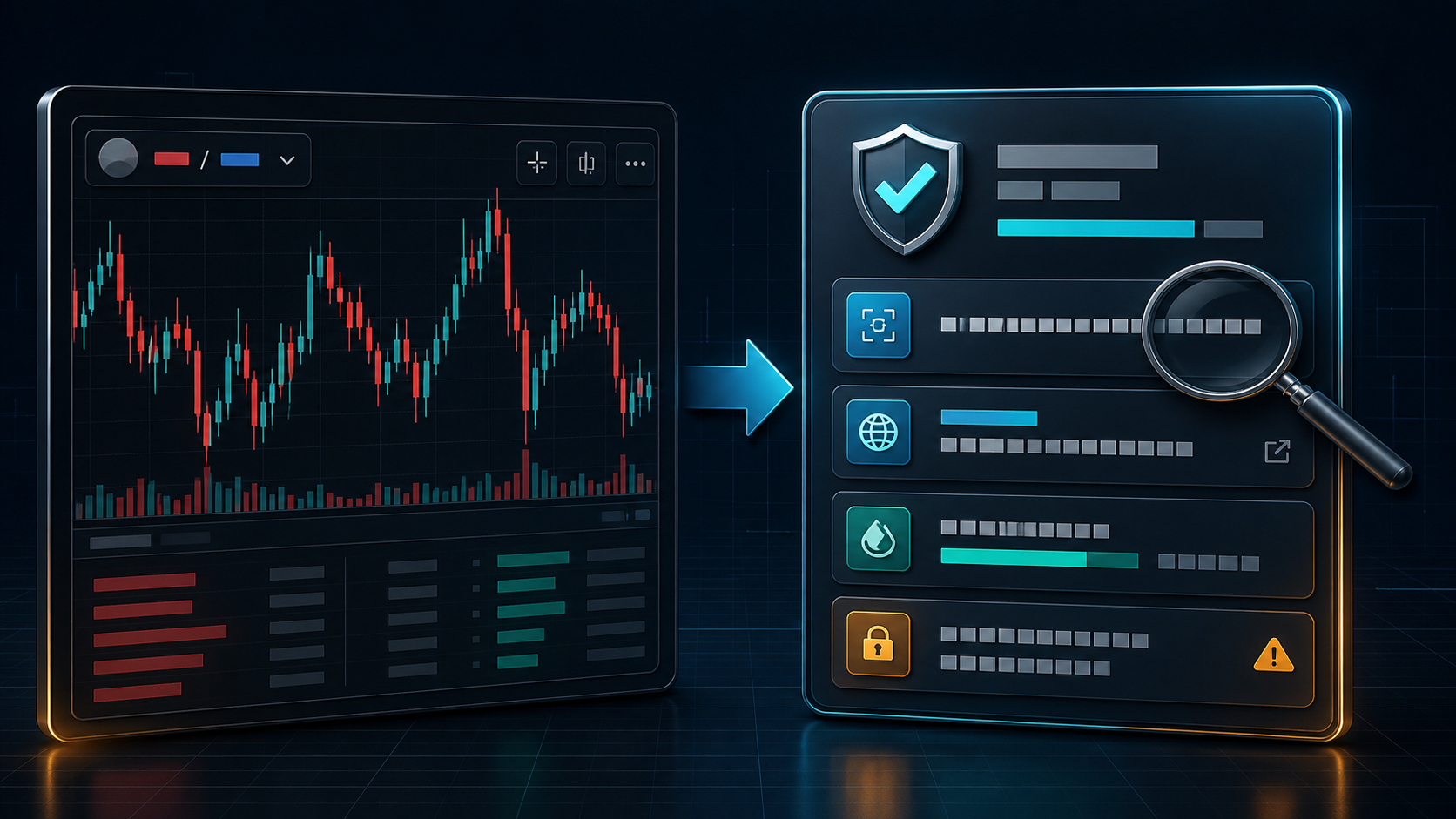
If You Searched "DexScreener Red Flag", Start Here
A red flag does not always mean a scam. It means the page has stopped being enough evidence on its own. DexScreener can search by token name, symbol, token address, or pair address, and tokens can appear automatically once a pool has liquidity and a transaction. That makes it useful for discovery, not a stamp of legitimacy.
The clean order:
Official source first. Token address second. Pair page third. Liquidity, route, holders, and controls after that. If any step depends on "trust me bro", the wallet can enjoy a brief holiday.
The 60-Second Evidence Ladder
Do these in order. Each step answers a different question. Skipping to the chart first is how a plausible-looking market becomes the wrong asset.
Read liquidity, pair age, transaction mix, and volume as context. Thin liquidity and sudden activity deserve explanation, not automatic conclusions.
On Solana, mint and freeze authorities are meaningful capabilities. Their presence is not a verdict, but it is information you should understand before acting.
Decision rule: a mismatch is a stop. Missing evidence is a downgrade. A clean-looking chart is neither a pass nor a reason to rush.
DexScreener Red Flag Checklist
- The ticker or name matches, but the contract is not on the official website or verified social source.
- You copied the pair address when you meant to copy the token address or mint.
- Liquidity is tiny compared with the promoted market cap, volume, or social noise.
- Volume suddenly appears without a matching public update, listing, launch, or product receipt.
- Multiple pairs use the same ticker and the "real one" is being decided by whoever shouts loudest.
- The buy link came from a reply, DM, screenshot, or influencer caption instead of the project surface.
One red flag does not always mean scam. It does mean pause. The wallet can wait. The chart will survive being ignored for five minutes.
What A Paid Profile Or Busy Chart Cannot Tell You
Marketing details, profile information, and active pairs can help you find a project. They do not prove that the contract is official, that liquidity is durable, that a route is correct, or that a wallet approval is sensible. Treat presentation as a lead, then verify the asset independently.
When The Honest Answer Is "I Cannot Verify This"
That is not a failure of the check. It is a useful result. If the official source does not publish an exact address, the pair and mint do not line up, or the controls are unclear, save the candidate and wait for better evidence. You do not need to prove a token is bad to decide it is not ready.
Red Flags DexScreener Can Help You Notice
- Very new pairs with big claims already attached.
- Thin liquidity under noisy price movement.
- Multiple pairs for the same ticker across chains or DEXs.
- Odd volume spikes that are not explained by public news.
- A route that looks active but does not match the contract you expected.
Red Flags DexScreener Cannot Prove Away
- Whether the contract is the official project contract.
- Whether a wallet approval is sensible.
- Whether token permissions or authorities are risky.
- Whether the team, product, or proof trail is real.
- Whether you are buying the same asset the social post is describing.
If You See A Red Flag, Do This
- Do not connect, swap, or approve yet.
- Copy the token address or mint, not just the pair URL.
- Compare that exact address with the project website, verified social source, and explorer.
- Run the token through Vectora and read the route, source, and risk summary.
- If the story still feels messy, save it to a watchlist instead of forcing a trade.
The Most Expensive DexScreener Mistake
Buying a token because the chart looked real while the contract was never verified. A fake route can still have a chart. A clone can still have volume. A bad idea can still print a green candle, because markets enjoy irony and your wallet is the invoice.
How To Check If A DexScreener Token Is Safe
Use this when you need the full quick pass: exact token address, source, route, liquidity, holder shape, and control signals before buying.
Fake Token On DexScreener
A cloned ticker can still have a chart. Compare the exact contract with the project-owned source before trusting the pair.
Pair Address vs Token Address
A pair address identifies the market. A token address identifies the asset. If you paste the pair address when you meant to verify the token mint or contract, every later check starts with the wrong input.
Low Liquidity On DexScreener
Low liquidity is not always malicious, but it changes the risk. Compare pool depth with market cap, volume, trade size, and the proof trail before deciding the chart is clean enough.
DexScreener Honeypot Red Flags
Buying is only half the test. Use this if the sell route, taxes, controls, or output estimates look like they need daylight.
DexScreener Liquidity Lock Check
Locked liquidity is useful only when the receipt matches the same pool people are trading. This checks the claim before it becomes comfort theatre.
Where Vectora Fits
Use DexScreener for discovery. Then paste the contract into Vectora before you buy. The goal is not to predict price. It is to catch the boring mistakes that should never become expensive: wrong contract, wrong route, weak source trail, permission risk, and missing proof.
If the contract, source, route, and risk story line up, you have a cleaner starting point. If they do not, the safest trade might be the one you never made.
DexScreener Red Flags FAQ
What does a DexScreener red flag mean?
It means the chart alone is not enough. Check the exact token address, official source, route, liquidity, holders, controls, and link origin before buying.
Is low liquidity on DexScreener a red flag?
It can be. Low liquidity is not automatically malicious, but if it is tiny compared with the claims around the token, treat it as a risk signal until the contract and route are verified.
Can DexScreener prove a token is safe?
No. DexScreener gives market context. Safety still depends on checking the exact contract, source, explorer data, permissions, and route.
What should I do if I see a DexScreener red flag?
Pause, copy the token contract, compare it with the official source and explorer, run a trust check, and avoid approving anything until the identity and route are clear.
Source Notes
This guide separates what a market page can show from what still needs independent verification. The useful primary references are below.
- DEX Screener token listing documentation: tokens can be listed automatically after a liquidity pool and transaction exist; search can return both token and pair addresses.
- DEX Screener API reference: token, pair, profile, paid-order, liquidity, and market fields are distinct data surfaces.
- Solana SPL Token Basics: mint and freeze authority capabilities can affect supply and individual token-account behaviour.